
What is Vanta Panel?
Vanta Panel is a self-hosted web hosting control panel – a modern cPanel/WHM alternative – that you install on your own Ubuntu or Debian VPS with one command.
On this page 4 sections
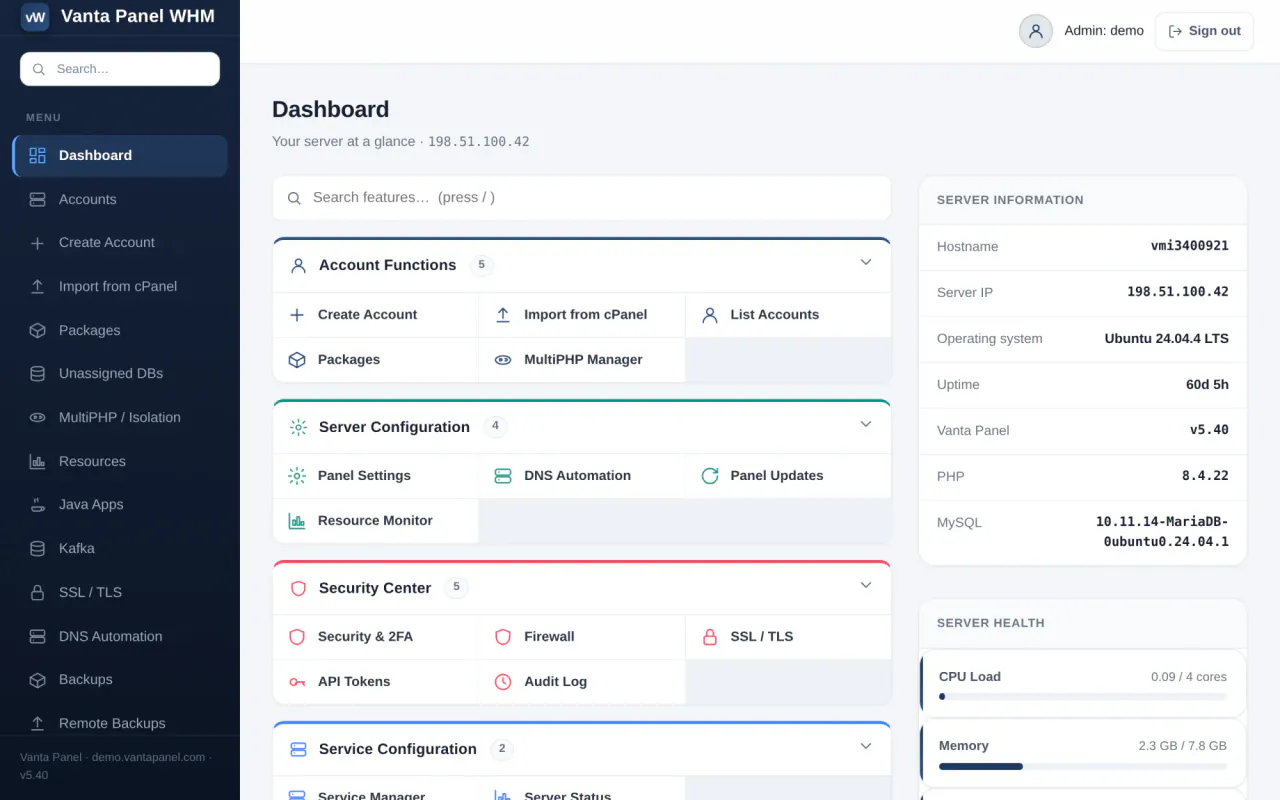
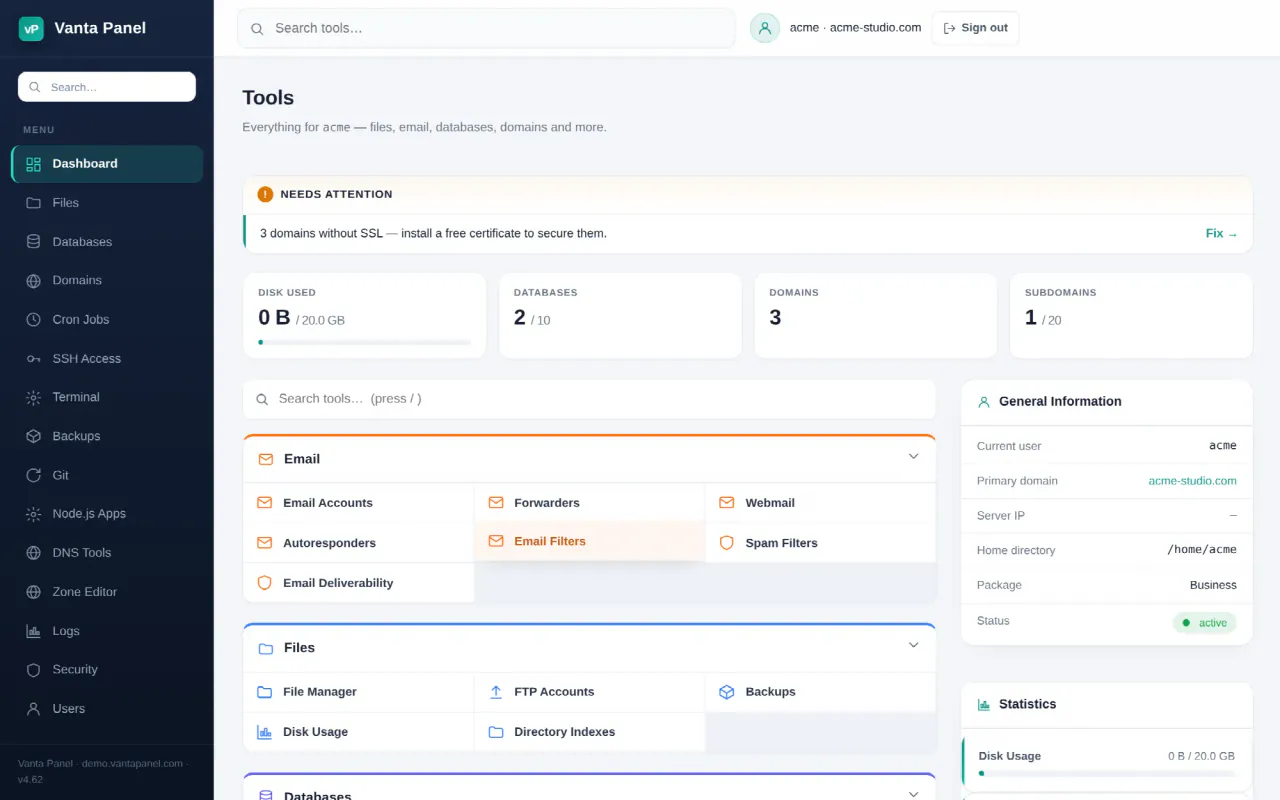
Vanta Panel is a self-hosted hosting control panel for your own VPS — a modern alternative to traditional hosting panels. You install it on a server you control, and it gives you the full hosting workflow without per-account licensing fees.
Two panels, one install
Vanta Panel is served by Apache on a single host under two paths:
- vWHM (admin) — at
https://<your-server>/vwhm. This is the control room where you create and manage hosting accounts, watch server status, manage packages, and handle licensing. - vPanel (user) — at
https://<your-server>/vpanel. This is the clean dashboard each hosting account logs into to manage their websites, email, databases, DNS, SSL, files and more.
Think of vWHM as the server administrator's view, and vPanel as what each customer or site owner sees.
How it is built
Everything privileged runs through a single locked-down root worker, while the web interface itself runs unprivileged as the paneluser system account. This is a security-first design: the panel you interact with never runs as root, and every privileged action is validated before it executes.
What makes it different
- Self-hosted — your sites, mail and databases live on a server you own. The panel sends a small daily usage heartbeat (version, plan, account count, account usernames and domains) that you can switch off with
touch /etc/vantapanel/no-telemetry; it never sends files, mailboxes, database contents or passwords. - No per-account fees — run as many accounts as your server can handle.
- Modern runtimes — beyond the classic web stack, it manages Java apps as services, runs an Apache Kafka broker with per-account isolation, and includes Redis.
- One-command install — go from a bare VPS to a working panel in minutes.
Next steps
- Installing Vanta Panel — get it running on your server.
- Your first hosting account — create an account and log into vPanel.
Something missing or out of date? Ask support, or try it yourself on the live demo.