 Vanta Panel
Leech Protection
Record a credential-sharing policy for a password-protected folder: how many logins per username in two hours count as normal, and where to send visitors past that. Enforcement needs the server's login-tracker - the policy on its own does not block anyone.
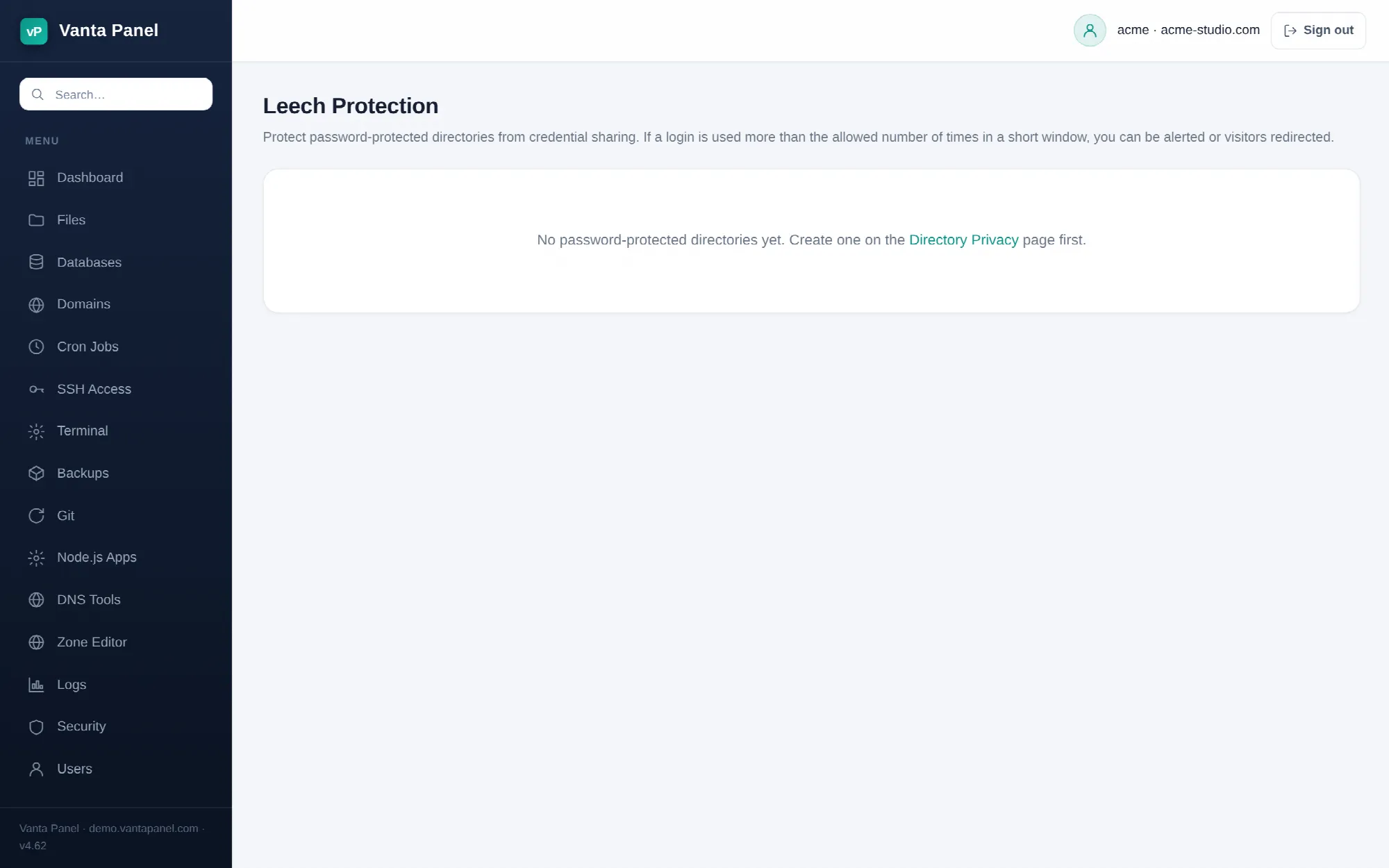 Leech protection settings in vPanel.
Leech Protection (vPanel → Dashboard → Security → Leech Protection) records a credential-sharing policy for a folder you have already password-protected. "Leeching" is one person handing their login for a paid or private area to a crowd; the policy says how many logins with the same username you consider normal, and where to send visitors if that is exceeded.
Read this first
Be clear about what this page does in Vanta Panel today, because the name promises more than the panel delivers on its own:
Saving a policy does not, by itself, block anybody. What gets written is the policy plus an annotation on the directory. Counting logins and acting on the count requires the server's login-tracker, which your administrator enables separately. The page says so at the bottom of the form, and it is the honest summary: without the tracker, this records your intent and nothing enforces it.
So if what you need right now is to actually stop access, use Directory Privacy to remove or change the shared login, or the IP Blocker to cut off a specific source. Come back here once your administrator has confirmed the tracker is running.
Using the page
The page lists every password-protected directory on your account — it finds them by looking for the .htpasswd files that Directory Privacy creates, as long as they are no more than three folders below your home directory. A folder that is not password-protected cannot have a leech policy, and the panel refuses to set one; protect it first.
Press Configure next to a directory, then set:
- Enable leech protection for this directory — the switch itself.
- Maximum logins allowed within 2 hours — 1 to 1000, default 4. Above this count for a single username, the login is treated as leaked.
- Redirect URL on breach — optional, and must be a full
http://orhttps://URL. Leave it blank to record the event only.
One quirk to know: the number and redirect boxes always open showing the defaults (4, and blank) rather than the values you last saved. If you come back to change only the checkbox, re-enter your number and URL as well, or you will save 4-and-blank over what you had.
What is written
Two things, in the protected directory itself. A policy file, .vantapanel-leech:
max=4
redirect=https://example.com/leech-warning
And a comment block in that directory's .htaccess:
# BEGIN vantapanel-leech
# Leech protection enabled: max 4 logins / 2h, redirect on breach to https://example.com/leech-warning
# Enforcement marker for Vanta Panel.
# END vantapanel-leech
Those are Apache comments. They are how the panel knows the policy is on for this folder, and they change nothing about how Apache serves it. Only the text between the markers is touched, so your other rules are safe.
Unticking the box removes the policy file and strips the block.
Choosing a number
If you do get the tracker enabled, pick a limit that matches how one real person behaves. Someone with a phone, a laptop and a browser that lost its session logs in several times in an afternoon quite innocently; four in two hours is a reasonable starting point for one human, and something like twenty is a login that has clearly been posted somewhere. Setting it to 1 will flag your own users constantly.
Related
- Directory Privacy — create the protected folder and its logins. Required before a policy can be set.
- IP Blocker — deny specific addresses or ranges outright.
- Metrics — see who is actually requesting what.