 Vanta Panel
IP Blocker — Block Visitors by IP or Range
Block abusive visitors by IP address or CIDR range in vPanel. How the .htaccess rule is written, what validates, and what the block list does not cover.
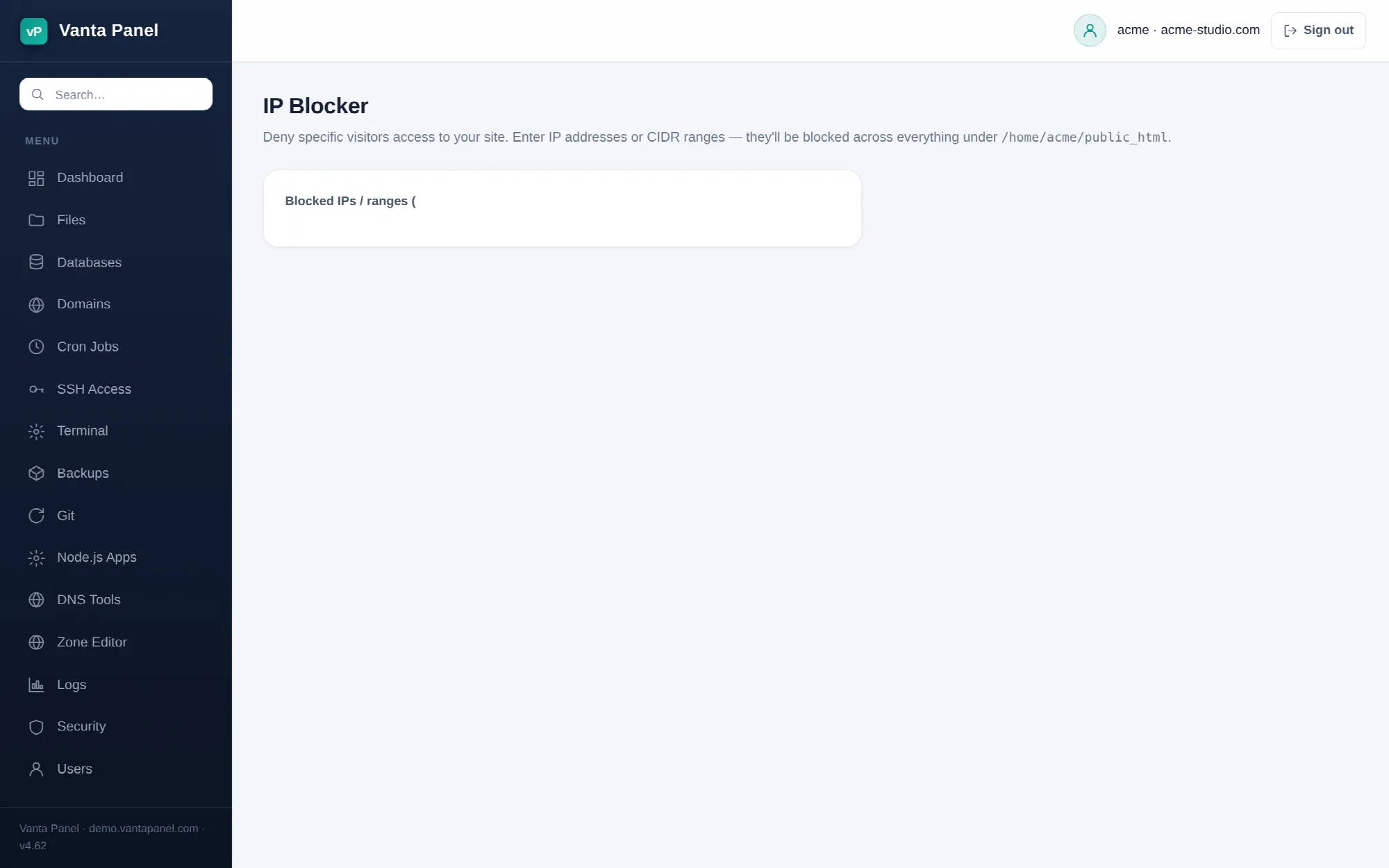 Blocking visitors by IP address or range in vPanel.
IP Blocker (vPanel → Dashboard → Security → IP Blocker) denies specific visitors access to your website. You paste addresses into one list, save, and they stop being served.
How it works
The page holds a single textarea containing your whole block list, one entry per line. Saving rewrites a marked block inside public_html/.htaccess:
# BEGIN vantapanel-ipblock
<RequireAll>
    Require all granted
    Require not ip 203.0.113.7
    Require not ip 198.51.100.0/24
</RequireAll>
# END vantapanel-ipblock
Only the text between those two markers is managed by the panel. Anything else already in your .htaccess is preserved and rewritten around the block, so hand-written rules and the blocks written by other panel tools survive a save.
Because the rule sits in public_html, it applies to that directory and everything beneath it — your site, and any addon domain whose document root lives under it.
What you can enter
- A single IPv4 address:
203.0.113.7 - A single IPv6 address:
2001:db8::1 - An IPv4 range in CIDR form:
198.51.100.0/24 - An IPv6 range in CIDR form:
2001:db8::/32
Entries may be separated by newlines, spaces or commas. Each one is validated on save: the address must parse as a real IPv4 or IPv6 address, and a prefix length must be 0–32 for IPv4 or 0–128 for IPv6.
Invalid entries are dropped silently. Nothing is rejected and no error is shown — they simply do not come back when the page reloads. Duplicates are removed too. After saving, the confirmation message states how many entries were actually stored; if that number is lower than what you pasted, something did not validate.
Removing a block
Delete the line and save. Clearing the textarea entirely removes the managed block from .htaccess; if nothing else was in the file, the file itself is deleted.
What it does not cover
The block list is web-server configuration only. It has no effect on:
- SSH, SFTP or FTP logins
- Mail delivery, IMAP or POP
- Connections to MySQL
- Requests to the panel itself
For a block that covers every port, the server administrator has to add a rule in the server firewall from vWHM → Firewall.
Blocking your own visitors by mistake
If your site sits behind Cloudflare or another proxy, the address Apache sees may be the proxy's, not the visitor's. Blocking what you think is one abusive visitor can take out everyone arriving through that proxy. Check the address in your access logs (vPanel → Logs) before adding it.
The list is also saved to ~/.vantapanel/ipblock.json, readable only by your account, so the panel can show you the current list without parsing .htaccess back.