 Vanta Panel
Browser Terminal
Run shell commands as your account user from inside vPanel. The 30-second limit, the 24 KB output cap, what will not work, and who is allowed to use it.
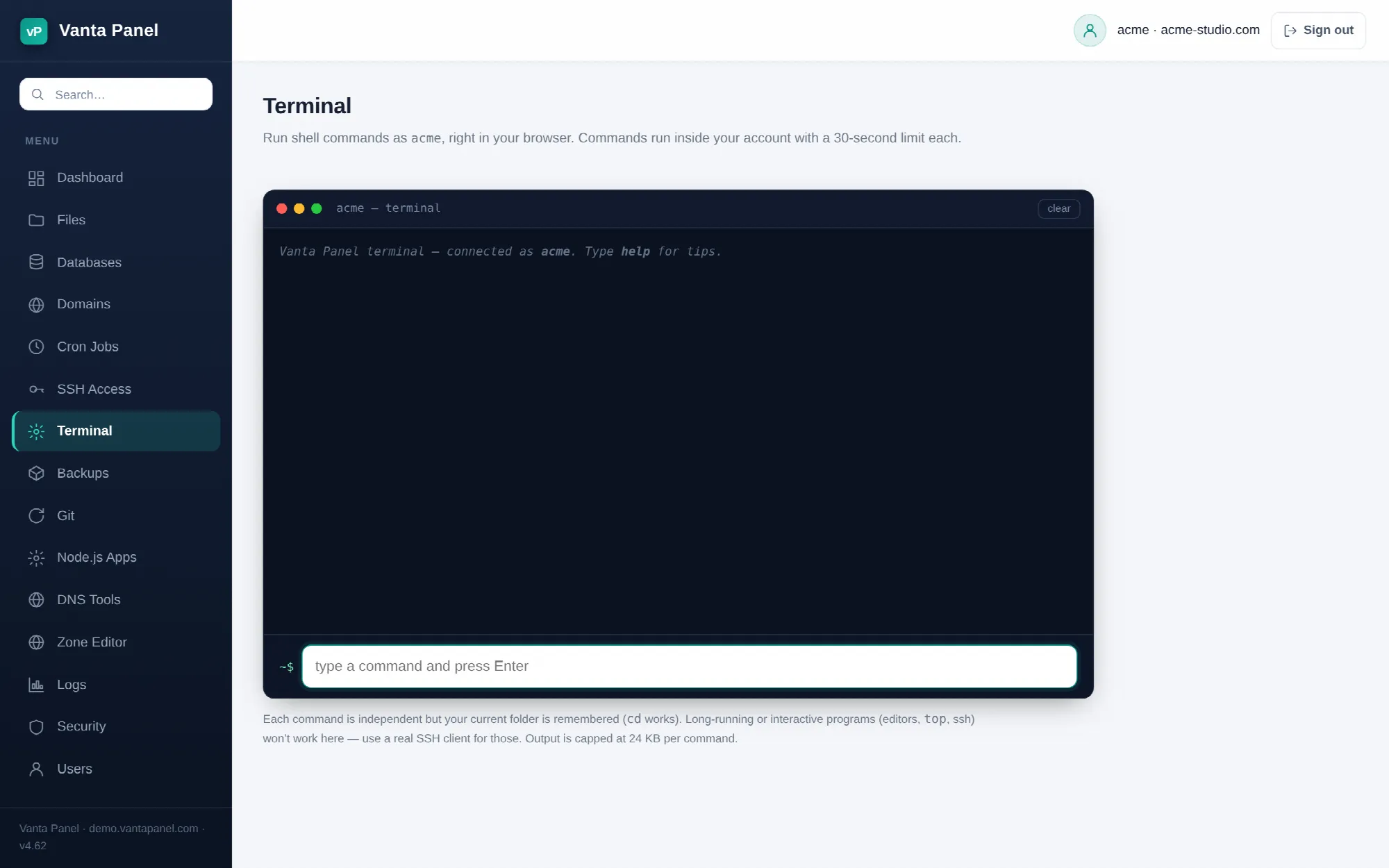 Running shell commands from the browser in vPanel.
Terminal (vPanel → Terminal) runs shell commands as your account user from inside the panel, with no SSH client and no key setup. It is meant for the short jobs — checking a file, clearing a cache, running a Composer or WP-CLI command — not as a replacement for a real shell.
How it works
Type a command, press Enter, and the panel sends it to the server, where it runs as your account user through a login shell. It never runs as root and never has access to another account's files.
Each command is a separate execution — environment variables set in one command are gone by the next. The exception is your working directory: the panel tracks where the last command left you, so cd behaves the way you expect and the prompt updates to match. The path shown is relative to your home, with ~ standing in for /home/youraccount.
The working directory is confined to your account home. If it ever resolves outside — for example because the folder was deleted from another session — you are silently returned to your home directory.
Limits enforced by the server
| Limit | Value |
|---|---|
| Time per command | 30 seconds, then the command is killed |
| Output returned | 24 KB, then truncated with a note |
| Command length | 4096 characters |
A command stopped by the timeout prints (stopped after 30s). Output from a command that exited non-zero is shown in red, and standard error is appended after standard output.
What does not work here
Interactive and long-running programs cannot work in this model, because there is no persistent terminal on the other end:
- Editors —
vim,nano,emacs - Live monitors —
top,htop,watch,tail -f sshto another host, and anything else that expects a TTY- Servers and daemons you want to keep running — they will be killed at 30 seconds
Use a real SSH client for those. To keep a service running permanently, use the Node.js Apps, Python Apps or Java Apps pages, which run it under systemd.
Built-in conveniences
- ↑ / ↓ cycle through your command history for this browser session (up to 200 entries). History is not saved between visits.
clearempties the screen. It is handled in the browser and never reaches the server.helpprints a reminder of the limits above. Also browser-side.- clear in the title bar does the same as the
clearcommand.
When Terminal is unavailable
Terminal shares one switch with SSH. If the server administrator has disabled shell access for your account (vWHM → Accounts → the account → SSH / shell access), the Terminal page disappears from the navigation, and opening it directly shows a notice. Command submission is refused server-side as well, not just hidden in the interface.
Who can use it
Terminal is not available to delegated logins unless the account owner has granted the Terminal & SSH keys permission in the User Manager. That permission covers the whole account's files with no folder scoping, so treat granting it as equivalent to handing over the account.
Related
- SSH Access — authorize a key for a real SSH session
- File Manager — browse and edit files without the command line
- Cron Jobs — run a command on a schedule instead of by hand