 Vanta Panel
Remote MySQL
Authorise hosts outside the server to connect to your databases: which host patterns are accepted, the connection details to use, the two server-side changes an admin must also make, and what removing a host does not do.
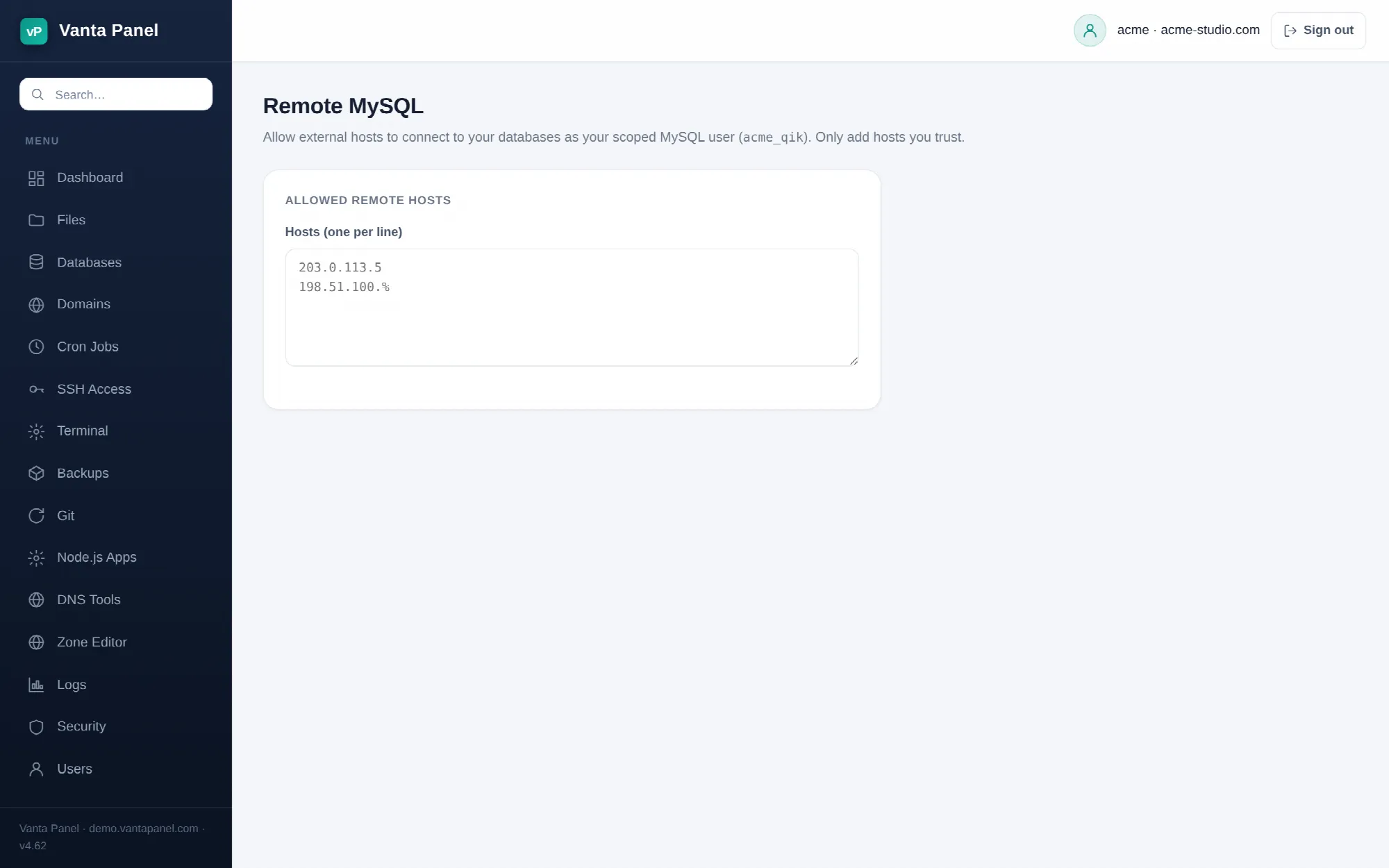 Authorising remote hosts for MySQL access in vPanel.
Remote MySQL (vPanel → Databases → Remote MySQL) authorises hosts outside this server to connect to your databases. Use it when an application runs on one machine and its database lives here — a separate app server, a staging box, or a desktop tool like MySQL Workbench or TablePlus.
If everything runs on this server, you do not need this page. Applications on the same machine connect to localhost and are already allowed.
Adding a host
Put one host per line in the Hosts box and save. Commas work as separators too. Accepted forms:
- A single address —
203.0.113.5 - A subnet wildcard —
198.51.100.%allows anything in that range - A hostname — resolved by MySQL at connection time
%— any host anywhere. The page marks this as not recommended, and it is: it exposes your databases to every address on the internet that can reach port 3306.
Saving grants the account's scoped MySQL user, <account>_qik, full privileges on each of your registered databases from each host you listed, and stores the list on the server.
Connecting
The Connection details card shows what to put in your client:
| Setting | Value |
|---|---|
| Host | this server's hostname |
| Port | 3306 |
| Username | <account>_qik |
| Password | shown on the phpMyAdmin page |
There is no separate password for remote access. It is the same scoped credential the Database Manager and phpMyAdmin use — open the phpMyAdmin page, press Show, and copy it.
Two things must also be true on the server
Adding a host here changes MySQL's permission table. It does not open a network path, and on a default Vanta Panel install there is no network path to open. Both of these are the server administrator's job:
- MySQL must listen on more than loopback. A fresh install leaves MariaDB bound to
127.0.0.1, which the installer does not change on purpose — opening the database to the network is a security decision, not a default. Until the administrator changesbind-address, remote connections are refused no matter what you list here. - The firewall must allow inbound port 3306 from the remote host.
If your grant is correct and the connection still times out or is refused, it is almost always one of those two. Ask your administrator.
Removing a host
Clear a line (or empty the box entirely) and save, and the saved list shrinks. Be aware of what that does and does not do: it updates the list the panel keeps, but it does not withdraw a grant MySQL has already been given. A host you previously authorised can still connect until an administrator removes that user from MySQL.
So treat this page as adding access, and treat revocation as something to ask your administrator to confirm. If access must be provably gone — a compromised key, a former contractor, a decommissioned server — say so explicitly rather than assuming an empty box did it.
Safer alternatives
Opening 3306 to the internet is rarely the best answer. Two options that avoid it entirely:
- An SSH tunnel. Forward a local port over SSH to
127.0.0.1:3306on this server and point your client at the local end. Nothing new is exposed, and you need no entry on this page. See SSH Access. - A narrow wildcard. If you must open the port, list the exact address rather than a subnet, and never
%.