
MySQL Databases
Create MySQL/MariaDB databases and users in vPanel, grant per-database privileges, adopt databases made outside the panel, download a live dump, and recover a deleted database from the 30-day Trash.
On this page 6 sections
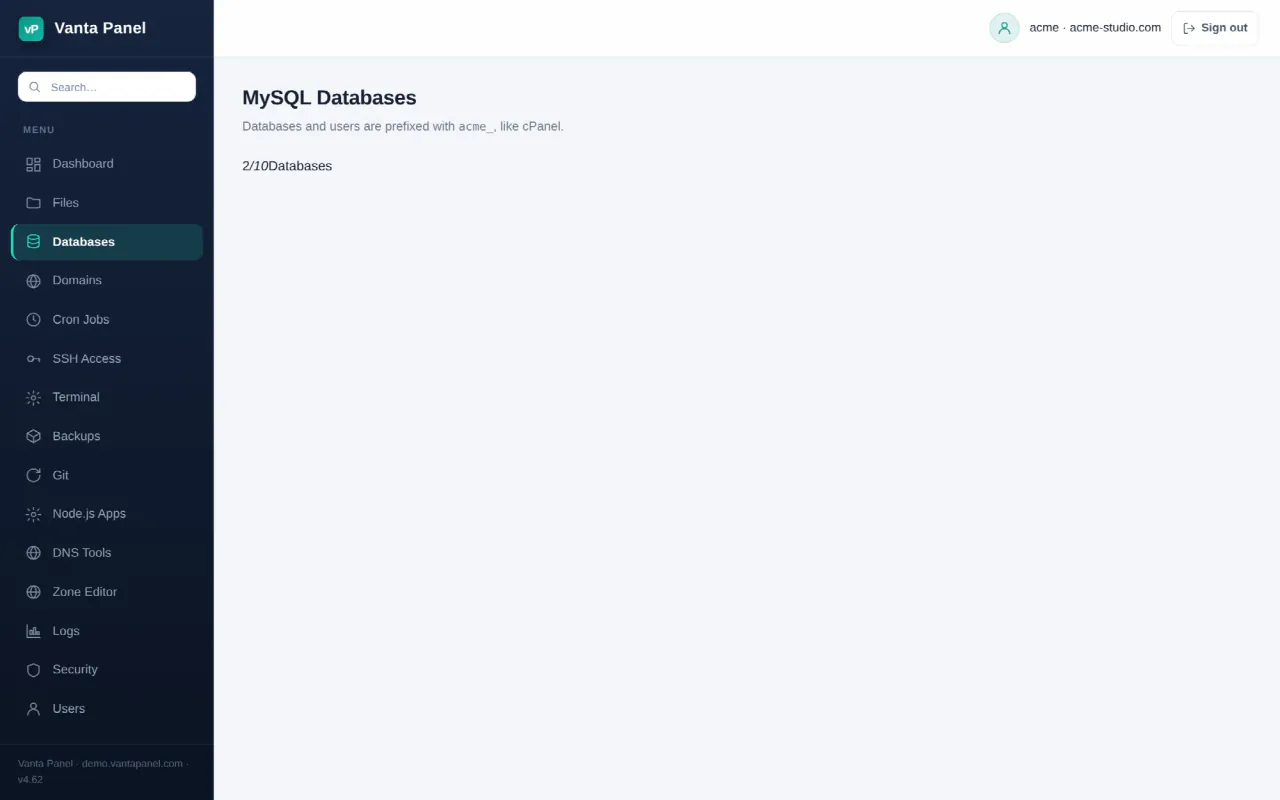
Databases (vPanel → Databases) is where you create MySQL/MariaDB databases and the users your applications log in with. Every database and every user you create is prefixed with your account name followed by an underscore — for the account acme, a database called shop becomes acme_shop. The prefix is added for you and cannot be changed, which is how the panel keeps accounts apart.
The header shows three counters: how many databases you have (against your plan limit, if you have one), how many MySQL users you have, and the total on-disk size of your databases.
Creating a database
Fill in the three fields in Create new database:
- Database name — the part after the prefix. Lower-case letters, digits and underscores only, up to 40 characters.
- Database user — the part after the prefix for a new user created at the same time. Same character rules, up to 20 characters.
- User password — at least 8 characters. The panel generates a strong one for you; the refresh and copy buttons regenerate and copy it.
The database is created with the utf8mb4 character set and the utf8mb4_general_ci collation. The new user is created for connections from localhost and given all privileges on that one database. Copy the password before you leave the page — it is not stored anywhere you can read it back, so if you lose it you have to set a new one.
Two separate ceilings apply. Your hosting plan may set a maximum number of databases, and the server's licence sets its own maximum (on a free licence that is one database). Whichever is lower is what you get, and the page tells you which one you hit.
Adopting a database created outside the panel
If a database with your prefix already exists on the server but was not made here — created over SSH, imported by hand, or left behind by a migration — an Adopt an existing database panel appears listing it with its table count and size. Adopting it registers it with the panel so it shows in your list, and grants your scoped panel user access to it so it appears in the Database Manager and in phpMyAdmin.
This matters more than it sounds: the Database Manager and phpMyAdmin can only see databases the panel knows about. A database that exists in MySQL but has never been created or adopted here is invisible to both. Only databases carrying your own prefix can be adopted.
Database users and privileges
The MySQL users section lists every user you own except the panel's own scoped user (see below), along with the databases each one can reach.
- Add user creates
<account>_<name>with a password of at least 8 characters. The name part may be up to 24 characters. - Grant gives a user access to one of your databases. Leave All privileges ticked for the usual case, or untick it and pick from
SELECT,INSERT,UPDATE,DELETE,CREATE,DROP,ALTERandINDEX. Granting again with a different set adds those privileges — it does not clear the previous ones. - Password sets a new password for an existing user.
- Delete drops the user. Any database it could reach is left untouched.
Revoking a user's access to a single database removes all privileges it had on that database.
Every account also has one user the panel manages itself, named <account>_qik. It is what the Database Manager, phpMyAdmin, Remote MySQL and full-backup restores sign in as. It is deliberately not listed here and cannot be renamed, re-passworded or deleted from this page — its password is shown on the phpMyAdmin page.
Downloading a database
Download a backup first, in the delete confirmation dialog, streams a fresh dump made at that moment rather than an older copy. It is a mysqldump taken with --single-transaction — consistent without locking your tables — including stored routines, gzipped, and named <database>-YYYYMMDD-HHMMSS.sql.gz. The temporary copy on the server is deleted as soon as the download finishes.
Open the Delete dialog to reach it even when you have no intention of deleting anything; nothing happens until you type the database name and confirm. For a dump of every database at once, use Backups instead.
Deleting a database, and Trash
Delete is a two-stage operation, and the first stage is a backup.
Click Delete and you must type the database name exactly — this is checked on the server, not just in the browser. The panel then dumps the database, compresses it, and only drops the live database once the compressed dump is safely written. If the dump or the compression fails, nothing is dropped and you get an error saying so. The database's MySQL user is kept, so a restore just re-grants it.
The dump is stored outside your home directory, in root-owned storage the panel manages. You cannot read it or replace it, which is deliberate: that file gets replayed with database-administrator rights on restore.
Deleted databases appear in a Trash section for 30 days, showing the compressed size and the days remaining. From there:
- Restore recreates the database from the dump and re-grants its user, then removes the Trash entry. It refuses if a live database of that name already exists, or if restoring would put you over your database limit — free one up first.
- Delete forever permanently removes the database and its dump. You must type the name again. This cannot be undone.
A daily job purges Trash entries older than 30 days automatically, so the space is reclaimed without you doing anything.
If you have a Trash item taken before Vanta Panel v5.36, its Restore button is disabled and labelled Restore unavailable. Those older dumps were stored inside the account home, where they could have been tampered with before being replayed as an administrator, so the panel will not import them automatically. Download the dump from the File Manager and import it by hand instead.
Related pages
- Database Manager — browse tables and run SQL inside the panel.
- phpMyAdmin — your credentials for the full phpMyAdmin interface.
- Remote MySQL — let an application on another server connect.
- Backups — a full backup includes a dump of every database registered here.
Something missing or out of date? Ask support, or try it yourself on the live demo.