 Vanta Panel
Email Forwarders
Forward mail from an address on your domain to anywhere, including catch-alls. Why a forwarder overrides a mailbox with the same address, what a catch-all costs you, and what forwarding does to SPF at the destination.
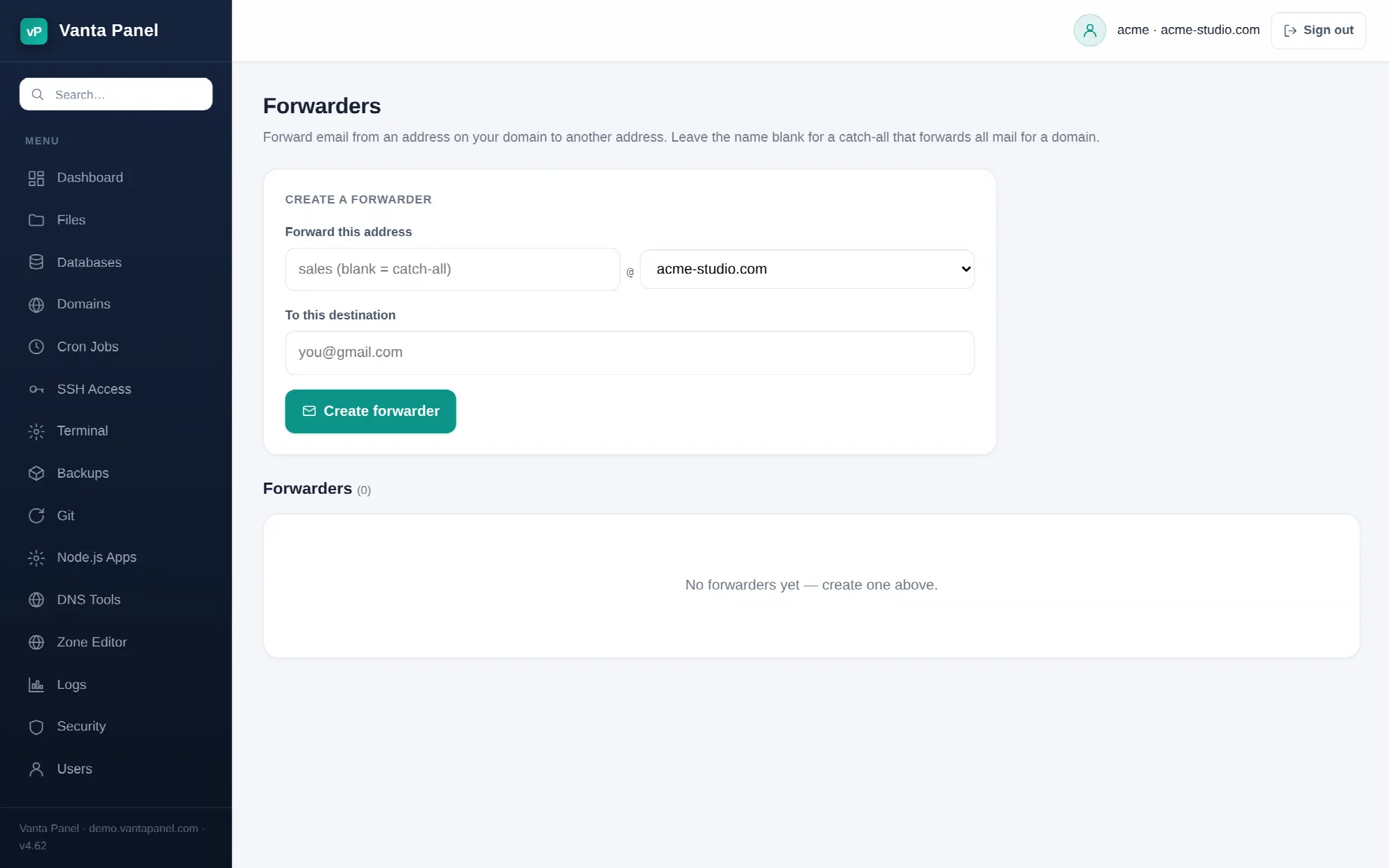 Creating a forwarder in vPanel.
Forwarders (vPanel → Forwarders) send mail arriving at an address on your domain straight on to another address, without storing it on the server. A forwarder needs no mailbox and no password, so it is the cheapest way to have sales@yourdomain.com land in an inbox you already read.
Creating one
Enter the part before the @, pick one of your domains, and give a destination address:
- The source name may contain only lowercase letters, digits,
.,_and-, up to 64 characters. - The domain list contains every domain on your account, including addon domains and subdomains.
- The destination must be a valid email address. It can be anywhere — your own domain, Gmail, a colleague's address.
Leave the source name blank to create a catch-all: the panel stores it as @yourdomain.com and every message to any address on that domain is forwarded to the destination — including addresses that have real mailboxes. Postfix resolves the exact address and the @domain entry in the same lookup, so a catch-all does not just mop up unknown addresses; it diverts mail away from your own inboxes too. Do not leave one in place on a domain whose mailboxes you actually read.
Forwarders take effect immediately. Postfix reads them from the panel's database on each message, and the panel reloads the mail services after every change.
A forwarder beats a mailbox with the same address
This is the one that catches people out. Postfix applies aliases before local delivery, so if info@example.com is both a mailbox and a forwarder, mail goes to the forwarding destination instead of into the mailbox. The message is not copied into both.
If you want a copy kept locally as well, do not use a forwarder — create the mailbox and add an email filter rule with the Forward to action instead. Filters run at delivery time inside the mailbox, so the original stays where it is.
Fanning out to several people
Add several forwarders with the same source address and every one of them receives a copy. If that is what you are building, use Mailing lists instead — it is the same mechanism with a name, a member list and a single delete button, and its members are hidden from this page so the two views do not fight each other.
Catch-alls attract spam
A catch-all accepts mail for every address that has ever been guessed at your domain, which in practice means every dictionary attack ever aimed at it. Use one only briefly — for instance while migrating and finding out which addresses are still in use — and delete it afterwards. Named forwarders cost nothing and stay quiet.
Forwarding to Gmail or Outlook, and what it does to authentication
A forwarder re-sends the message from your server while keeping the original sender's address. The receiving provider therefore sees your server sending mail on behalf of somebody else's domain, which is exactly the pattern SPF is designed to reject. Some forwarded mail will land in spam at the destination no matter how well your own domain is configured.
Nothing in the panel can change that; it is how plain forwarding works everywhere. What helps is getting your own domain's authentication right so your server is not independently suspicious — see Email deliverability. For mail you rely on, a real mailbox read over IMAP is more robust than a forward.
Deleting
Delete removes the forwarder after a confirmation prompt and reloads the mail services. Mail to that address then goes to a mailbox of the same name if one exists, or is rejected as an unknown recipient if not.