 Vanta Panel
Mail Queue (vWHM)
See what Postfix is holding and why, from vWHM: active, deferred and held messages with the last error for each, retry-all, single delete and purge — plus what every common queue error is telling you.
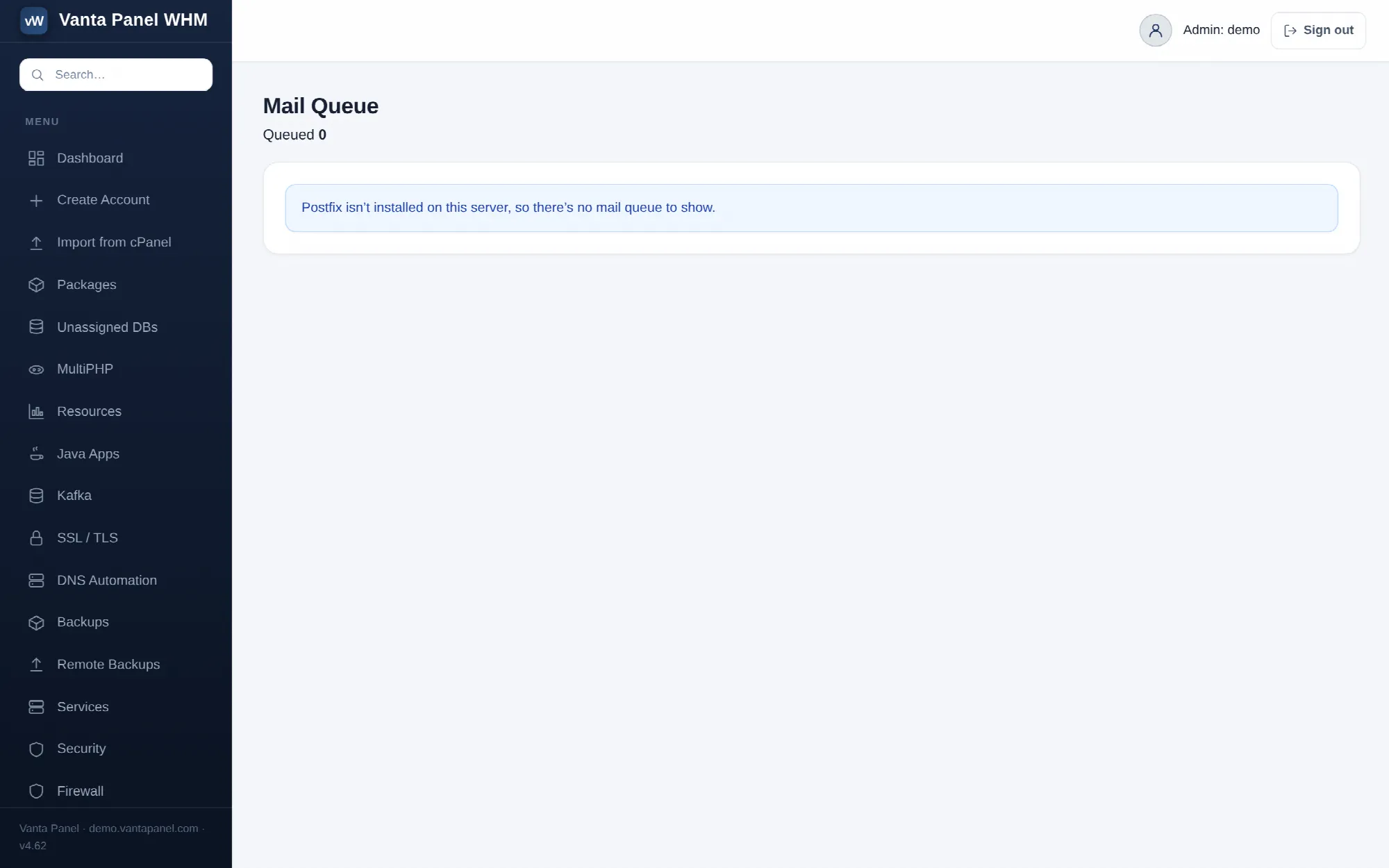 The Postfix mail queue in vWHM.
Mail Queue (vWHM → Mail Queue) shows the messages Postfix is holding and why. It is a server administrator page — customers do not see it in vPanel — and it is the first place to look when someone reports that mail was sent but never arrived.
The page reads the live Postfix queue. Nothing is stored by the panel, and up to 500 entries are listed.
Reading the table
| Column | Meaning |
|---|---|
| Queue ID | Postfix's identifier for the message, used by the delete button |
| State | active, deferred or held |
| Sender | envelope sender |
| Recipients | first three recipients, then … |
| Last error | the reason Postfix gave on its most recent attempt |
| Size | message size |
The three states mean different things:
- active — being delivered right now. Nothing to do.
- deferred — delivery failed and Postfix will try again on its own schedule. This is normal for a short while; a queue full of deferred mail with the same error is a problem.
- held — the message has been taken out of the retry cycle. Something intervened before delivery rather than failing at it.
An empty queue is reported as such, and if Postfix is not installed on the server the page says that instead.
The actions
- Retry all flushes the queue: Postfix immediately attempts every deferred message rather than waiting for its next scheduled try. Use it after fixing whatever was breaking delivery. It is safe to click at any time.
- × on a row deletes that single message. The queue ID is validated before anything happens.
- Purge queue deletes every queued message after a confirmation prompt, and the action is written to the admin audit log. Nothing is recoverable afterwards, so read the error column first — if all the mail is stuck for one fixable reason, fix the reason and retry instead.
Delete only what you recognise as stuck or as outbound spam. A deferred message is often perfectly good mail waiting on a temporary problem at the other end.
What the errors are telling you
Connection timed out or Network is unreachable to many different destinations — the host is blocking outbound port 25. That is the most common cause of a queue that only grows. The fix belongs to the customer's Email deliverability page: ask the provider to open port 25, or configure an outbound relay, which sends over port 587 instead. Then come back and Retry all.
Mail in the held state, or 451 4.7.1 Service unavailable — Postfix is handing messages to the OpenDKIM milter and OpenDKIM is not answering. The one-click Repair mail sending button on the Deliverability page fixes the socket, the key permissions and the failure mode, and gets the queue moving. It does not need SSH.
550 or 554 rejections from one recipient domain — that domain is refusing your mail, usually on reputation or authentication grounds. Check SPF, DKIM, DMARC and reverse DNS for the sending domain before assuming the recipient is at fault.
A single account sending thousands of near-identical messages — a compromised site or mailbox. Deal with the account first, then purge its mail; deleting the queue alone just makes room for more. The Security tools and IP Blocker pages are the follow-up.
Related
- Email deliverability — the customer-facing fixes for everything above
- Email hosting — how the mail stack is put together
- vWHM admin overview — the rest of the administrator's pages