 Vanta Panel
Webmail (Roundcube)
Read and send mail in the browser with Roundcube. Open a mailbox from vPanel with automatic sign-in, or go straight to https://your-domain/webmail with the full email address and mailbox password.
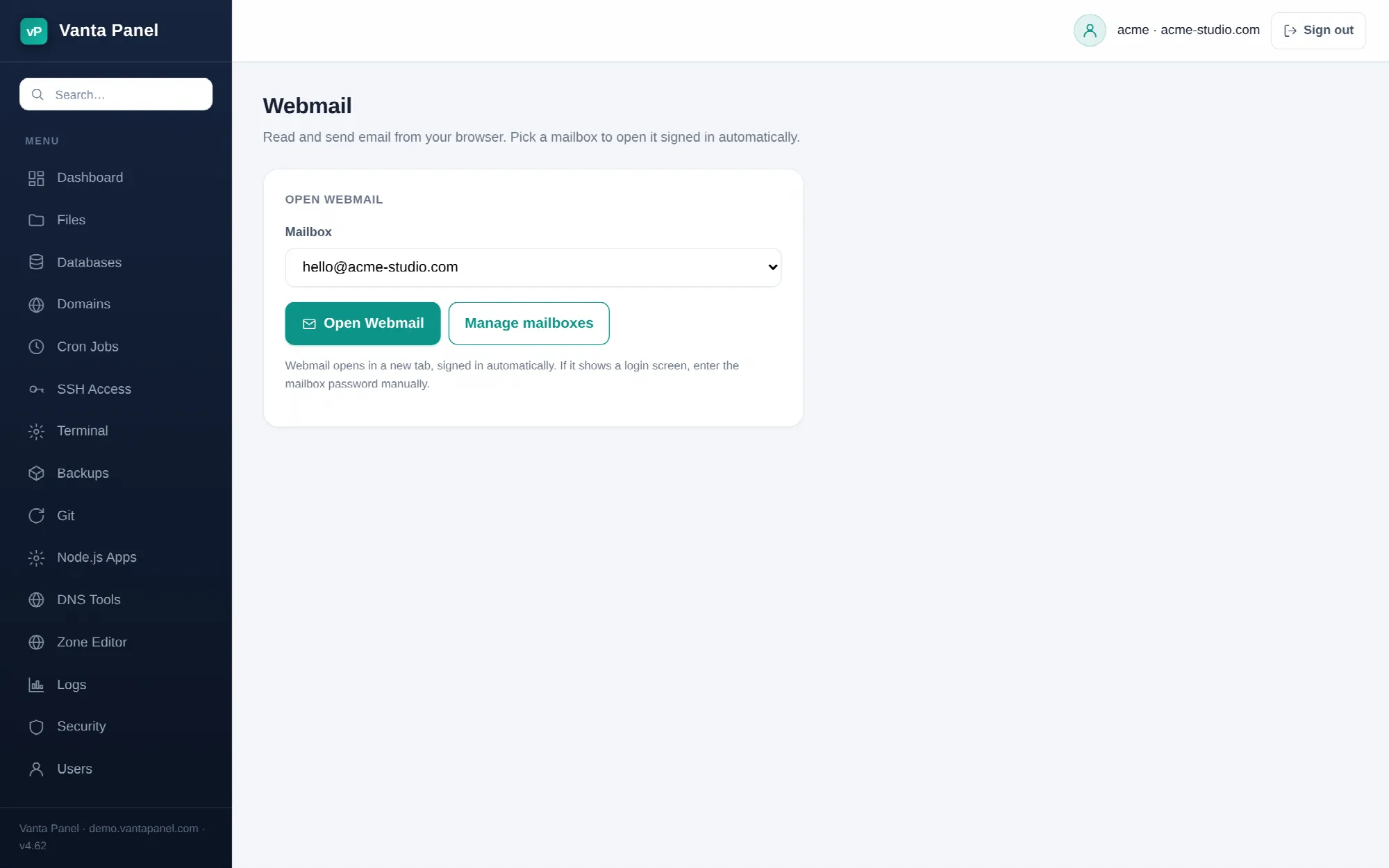 Opening a mailbox in webmail from vPanel.
Webmail (vPanel → Webmail) opens your mail in the browser, so you can read and send without setting up a mail app. The webmail client is Roundcube, installed on the server by the Vanta Panel installer.
Opening a mailbox
Pick a mailbox from the dropdown and click Open Webmail. Roundcube opens in a new tab, already signed in.
The sign-in is done for you: the panel loads Roundcube's login page in the background to obtain its session cookie and CSRF token, then submits your mailbox address and password into the new tab. If it cannot get that token — for example because you are already signed in to Roundcube as someone else — the tab still opens with the username filled in and you type the password yourself. The status line under the button tells you which of the two happened.
Automatic sign-in only works because the panel keeps a reversibly encrypted copy of each mailbox password alongside the hash Dovecot uses. That is worth knowing: anyone who can reach your vPanel session can open your mail. Protect the account with two-factor authentication.
The direct URL
Webmail is also reachable without the panel, at:
https://<your-domain>/webmailEvery account's virtual host aliases /webmail to Roundcube and serves it directly from Apache, so the address works on any domain hosted on the server. Sign in with your full email address and the mailbox password. Bookmark that URL for anyone who needs mail but should not have panel access.
How Roundcube reaches your mail
Roundcube runs on the same server and connects over the loopback interface — IMAP on 127.0.0.1:143 and SMTP on 127.0.0.1:587 with STARTTLS, authenticating as whichever mailbox you signed in with. It uses its own small SQLite database for preferences and address books; your messages are never copied out of your account's maildir.
Because it authenticates as the mailbox, everything else in the panel applies unchanged: quotas and usage still report through Email Accounts, folders created by email filters appear in the folder list, and an active autoresponder keeps replying whether or not webmail is open.
If webmail is unavailable
The installer can be run with webmail skipped, and a failed Roundcube package install is treated as non-fatal, so on some servers /webmail simply is not there. In that case use a mail app instead — see Mail client setup — or ask the server administrator to install Roundcube.
If the page says you have no mailboxes, create one first on the Email Accounts page.