 Vanta Panel
Firewall and Brute-Force Protection
Manage the ufw firewall from vWHM and review fail2ban bans. Covers adding scoped rules and the two anti-lockout guards that protect SSH, HTTP and HTTPS from being closed.
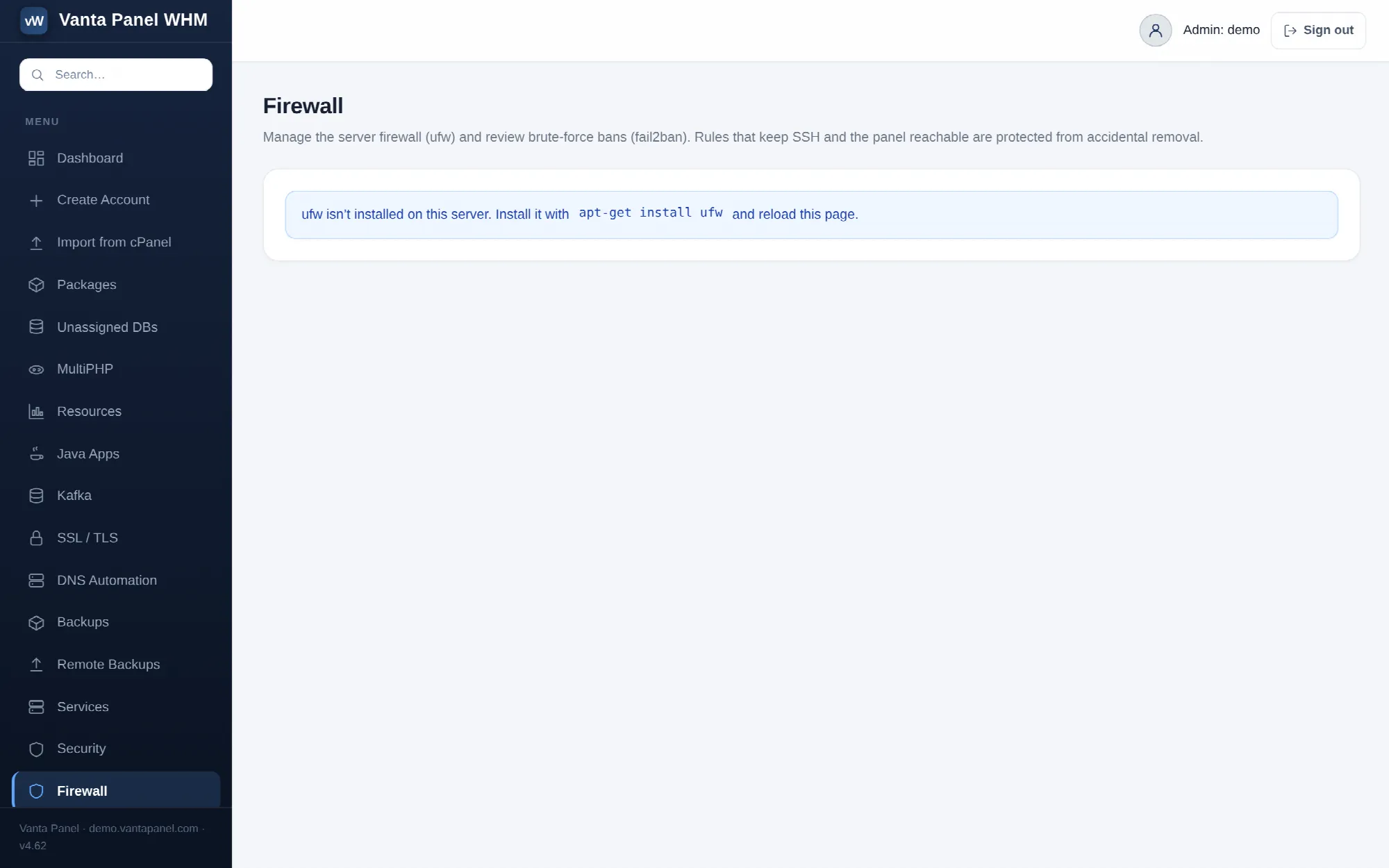 The firewall page in vWHM, with ufw rules and fail2ban ban counts.
Firewall (vWHM → Firewall) is a front end for two things already on the server: ufw, the packet filter, and fail2ban, the brute-force ban daemon. The page reads their real state on every load — nothing is cached and nothing is stored in the panel's own database.
If ufw is not installed the page says so and tells you to run apt-get install ufw. Everything else is hidden until it is there.
The status strip
Four tiles across the top:
- Firewall (ufw) — Active or Inactive, with the default incoming and outgoing policy underneath, read from
ufw status verbose. - Open rules — how many explicit allow/deny entries exist.
- fail2ban — On or Off, and the number of jails reporting.
- Currently banned — the total banned IPs summed across every jail. This tile turns red when it is above zero.
Enabling the firewall
If ufw is installed but inactive, a banner offers Enable firewall. That runs ufw enable and nothing else, so the firewall comes up on ufw's own default policy — deny incoming, allow outgoing — plus whatever rules are already in the list.
Before it enables anything, the worker explicitly allows ports 22 (SSH), 80 (HTTP) and 443 (HTTPS). That ordering is deliberate: it is not possible to turn the firewall on from this page and lock yourself out of the server or the panel.
Adding a rule
The Add a rule form takes four fields:
- Action — allow or deny.
- Port or range — a single port (
3306) or a range (8000:8100). Only digits and one colon are accepted. - Protocol — TCP, UDP or Any.
- From IP / CIDR — optional. Blank means anywhere. An IP (
203.0.113.4) or CIDR (203.0.113.0/24) is validated before it is used.
Leaving From blank produces a rule for the port on its own. Filling it in produces a rule scoped to that source, which is the useful pattern for anything that should not be public: expose MySQL on 3306 only to your office range, not to the internet.
The two anti-lockout guards
Both are enforced in the privileged worker, not in the browser, so they cannot be bypassed by a crafted request.
- You cannot deny 22, 80 or 443 for everyone. A deny rule whose first port is one of those three, with no source restriction, is refused with an explanation. Denying one of those ports from a specific address is allowed — that is a targeted block, not a lockout.
- You cannot delete the rule that allows 22, 80 or 443 from anywhere. Deleting a rule works by its number, and before the delete runs the worker re-reads the numbered rule list and checks whether that number is an ALLOW IN from Anywhere on one of those ports. If it is, the delete is refused.
Everything else can be added and removed freely. The rule table shows each rule's number, port or service, action, and source, with a delete button per row.
Brute-force protection (fail2ban)
If fail2ban-client is present, the page lists every jail with its currently banned and total banned counts, read live from fail2ban-client status.
This section is read-only. The panel does not add, remove or configure jails, and it does not unban from the browser. To act on a ban, use the server shell:
fail2ban-client set <jail> unbanip <ip>To stop an address being banned in the first place, add it to ignoreip in /etc/fail2ban/jail.local.
What this page is for
For a hosting company, the ban counts are the useful number. A jail with a steadily climbing total is normal background noise on any public server. A sudden jump, or a jail you do not recognise, is worth looking at — and the account-facing side of the same problem shows up in the audit log and in each customer's own sign-in history.
Note that neither the customer panel nor the account-level IP Blocker touches ufw. Customers block addresses through .htaccess inside their own account; only you can change the server firewall.