
DNS Tools — Look Up Live DNS Records
Look up live A, AAAA, MX, TXT, NS, CNAME, SOA and PTR records for any domain from vPanel, and see why results can differ from the Zone Editor.
On this page 4 sections
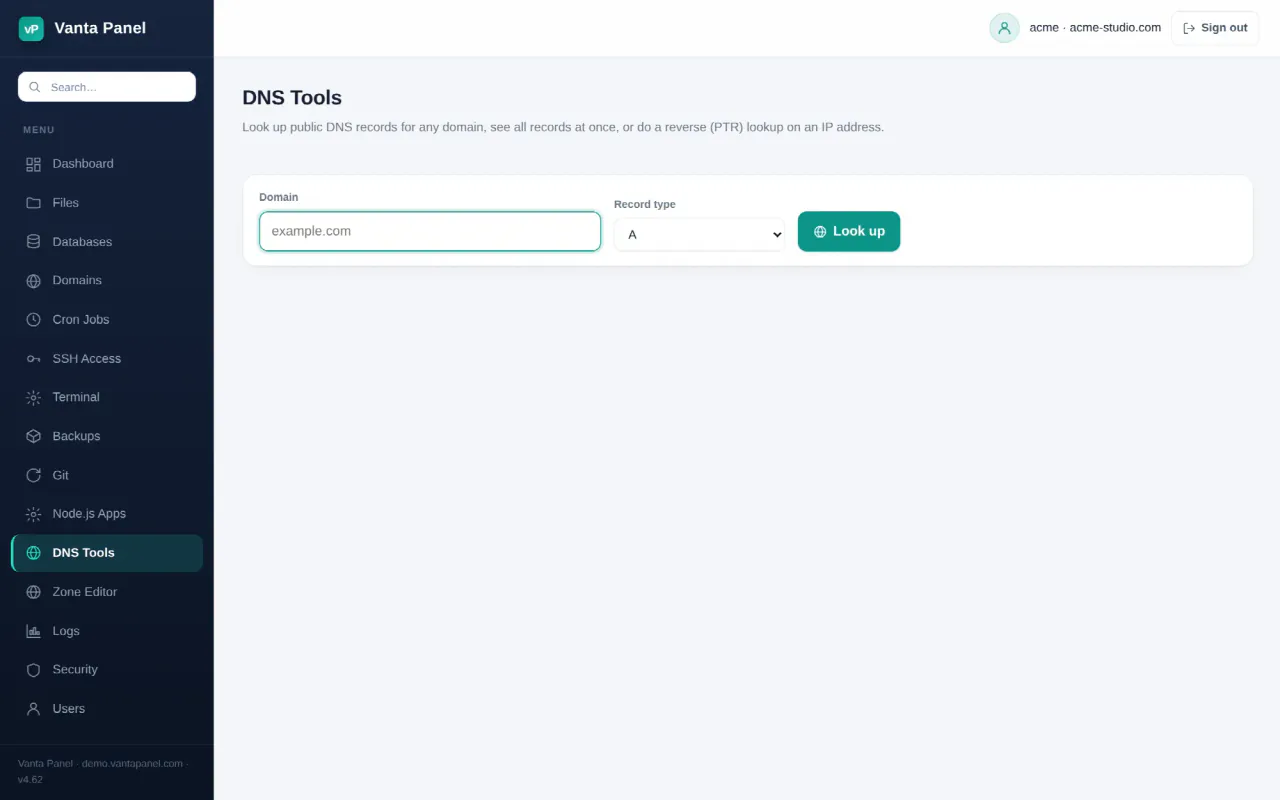
DNS Tools (vPanel → DNS Tools) looks up the DNS records that are live on the public internet, for any domain — not just your own. It is a read-only diagnostic: nothing you do here changes a record. To edit your own records, use the Zone Editor.
Running a lookup
Enter a domain and pick a record type, then Look up. Changing the type in the dropdown submits the form immediately. Results are shown as a table of name, type, TTL and value.
Available types:
| Type | What it answers |
|---|---|
| A | The IPv4 address the name points to |
| AAAA | The IPv6 address |
| MX | Which mail servers accept mail for the domain, and their priority |
| TXT | Text records — SPF, DKIM, DMARC, domain verification tokens |
| NS | The domain's authoritative nameservers |
| CNAME | The name this one is an alias for |
| SOA | The zone's primary nameserver and serial number |
| ALL | A, AAAA, MX, TXT, NS, CNAME and SOA in a single result set |
| PTR | Reverse lookup — the hostname an IP address resolves back to |
PTR is the odd one out: the input box becomes an IP address field, and anything that is not a valid IP is refused. Every other type expects a domain name, and a malformed name is refused with "Enter a valid domain name".
An empty result table means no record of that type exists. A lookup that fails outright reports that the domain may not exist.
What it is actually querying
Lookups are resolved by the server, using whatever resolver the server is configured with. That has two practical consequences:
- You see what a client on this server sees, which is normally what the rest of the internet sees, but a cached answer can lag a change you just made.
- Results can differ from what the Zone Editor shows. The Zone Editor reads records straight from Cloudflare's API; DNS Tools reads what is being served and cached. After adding a record, the Zone Editor shows it instantly while DNS Tools may take until the old TTL expires.
That difference is the tool's main use: it tells you whether a change has actually reached the world yet.
Things it is good for
- Confirming a domain points here. Look up
Afor your domain and compare it to your server's IP. - Checking mail routing.
MXshould listmail.<yourdomain>for a domain hosted here. - Checking SPF, DKIM and DMARC. Look up
TXTon the domain for SPF, on_dmarcfor DMARC, and onvanta._domainkeyfor the DKIM key the panel publishes. - Confirming a nameserver change.
NSshows which nameservers the registrar is currently handing out — the slowest part of any migration. - Checking reverse DNS. A missing or generic
PTRfor your server's IP is a common reason Gmail rejects mail. Only the provider that owns the IP can set it.
Related
- Zone Editor — change your own records
- Email — what the mail records need to contain
- Troubleshooting — when a lookup says one thing and the browser says another
Something missing or out of date? Ask support, or try it yourself on the live demo.