 Vanta Panel
Autoresponders and Out-of-Office Replies
Set an automatic reply on a mailbox: subject, message, and how often one sender may be answered. Includes the two cases that silently prevent a reply — a matching filter rule, and a forwarder on the same address.
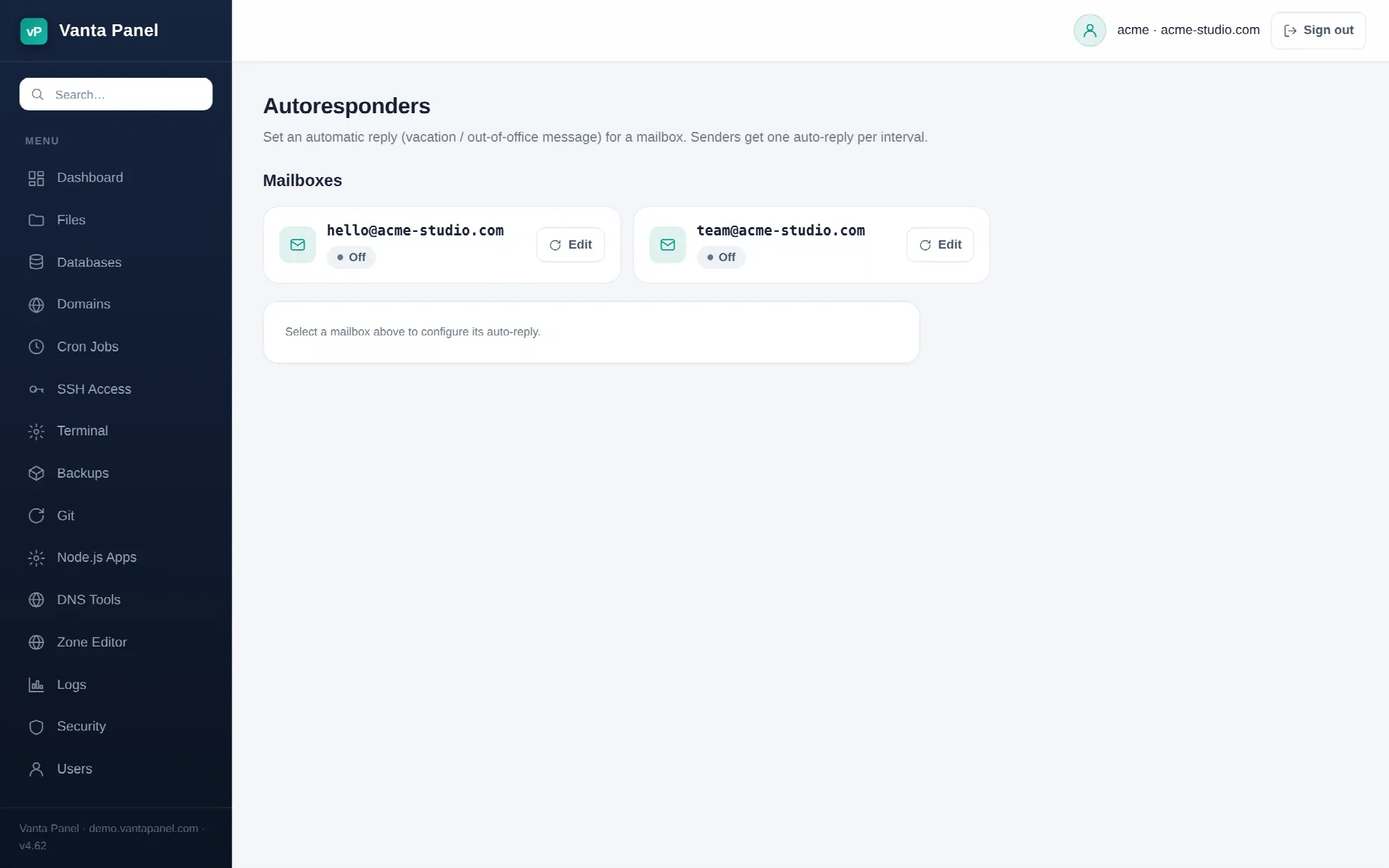 Configuring an out-of-office auto-reply in vPanel.
Autoresponders (vPanel → Autoresponders) set an automatic reply on a mailbox — an out-of-office notice, or an acknowledgement that a message to support@ has arrived. One auto-reply is configured per mailbox.
Setting one up
The page lists your mailboxes with their current state, Auto-reply on or Off. Click Edit on one to open its form:
- Enable auto-reply — the switch. Clearing it turns the reply off but keeps the text, so you can re-enable the same message next time.
- Subject — required, defaults to Out of office. It must be a single line; line breaks are stripped when the script is written.
- Message — the body of the reply. Multiple lines are fine.
- Reply at most once every (days) — between 1 and 30. The value is clamped to that range.
Save, and the reply is active from the next message delivered to that mailbox.
One reply per sender, per interval
The interval is not a global cooldown. The mail server remembers who it has already answered, and a given sender gets at most one automatic reply within the interval you set, however many messages they send. That is what stops a mailing list or a busy correspondent from receiving fifty identical notices, and it is why the minimum is one day rather than zero.
Leave it at 1 day for a normal out-of-office. Raise it if the mailbox is on distribution lists.
How it is implemented
The panel writes a Sieve vacation rule into your account's own storage, at ~/mail/<domain>/<mailbox>/sieve/vanta-vacation.sieve, then rebuilds the mailbox's single active script and compiles it so Dovecot picks it up immediately. Turning the auto-reply off deletes that part and rebuilds the script again.
Two useful consequences:
- Your email filters live in a separate part of the same script, so autoresponders and filters coexist. Saving one never overwrites the other.
- The reply is generated at delivery time by the mail server, not by the panel. It keeps working while you are logged out, and it applies to mail arriving from anywhere.
What will not trigger a reply
Mail a filter has already handled. Filters run before the auto-reply in the same script, and every filter rule stops processing once it matches. A message caught by a rule that moves, forwards or deletes it never reaches the vacation action, so no reply is sent for it. If you want an acknowledgement for mail you are also filing into a folder, remove the filter rule or narrow it.
Mail a forwarder diverted. A forwarder on the same address replaces local delivery entirely — the message never lands in the mailbox, so nothing auto-replies.
Mail to an address that is not a mailbox. Autoresponders attach to mailboxes only. There is nothing to configure on a forwarder or a mailing list address.
Writing a reply that does not cause trouble
Keep it short and do not promise anything specific. State that you are away, when you are back if you know, and who to contact in the meantime. Do not include anything you would mind an unknown sender reading, because every sender — including spammers whose forged addresses you will be replying to — receives it.